
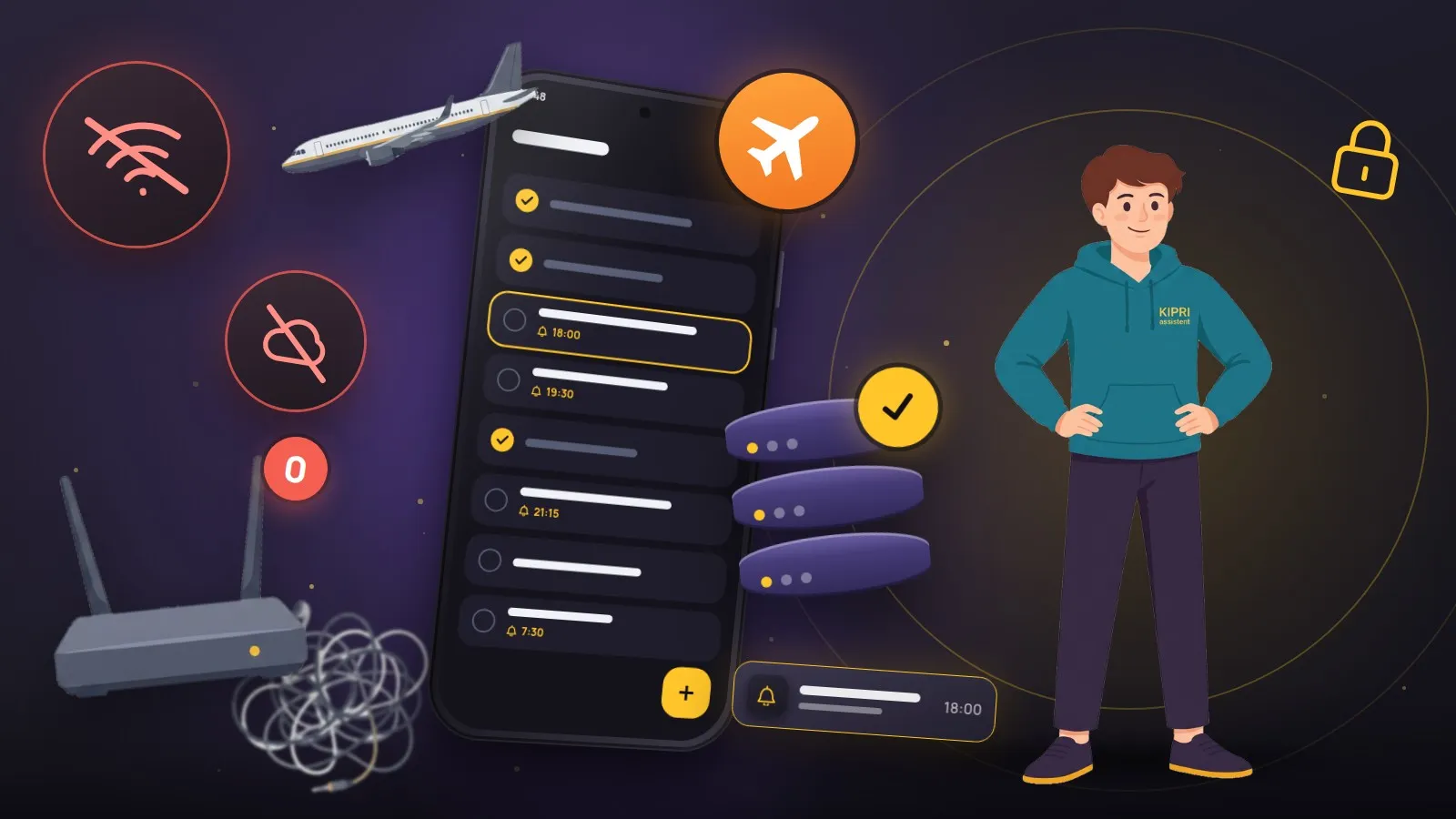
“Works offline” is claimed by nearly everyone, and it takes ten seconds to check: switch on airplane mode and try to create something. If a spinner turns or an error appears, the app is not offline-first and merely caches what it has already read.
A local write versus a cache
The difference is the direction the data flows.
A cache stores what already came from the server so it can be shown without a connection. Reading works, writing does not: a new record travels to the network, and without it the record simply does not exist.
Offline-first reverses the order. The source of truth is the database on the device. A record is created locally and counts as real immediately; it gets a “not sent yet” mark and joins the sync queue. When the network appears, the queue leaves on its own. If it does not appear today, it leaves tomorrow, and nothing is lost in between.
The practical consequence: the interface never waits for a server. There is no “saving…” state, no disabled button, no difference between the underground and your living room.
What happens when the connection returns
This is where it gets hard. This is also the part that keeps most apps from doing it.
While the device was offline, the same record could have been changed on another device. Naive “last write wins” quietly loses edits: a phone that spent a week in a pocket comes back with an old version and overwrites a newer one.
So every record carries a revision and a modification time, and the server decides what to apply: an incoming edit with a stale revision is rejected, and the client marks the record as conflicted and keeps its own version until a person decides which one is right. Slower to build, honest in the result.
Deletion is its own story
A deleted record does not vanish at once. It becomes a tombstone, a “deleted at such a time” marker. Without it, a second device would never learn about the deletion and would bring the record back on the next sync.
But tombstones cannot pile up forever: they take space on the server and in every user’s database at once. A sensible compromise is to keep them for about a month and then clear them physically; a device that has been offline for longer runs a full list reconciliation instead of an incremental pull when it reconnects.
How this looks in KIPRI
Every record is written to the device’s local database instantly and joins the sync queue. A background scheduler watches the network and the app state and sends the queue when it can. Conflicts are resolved by revision rather than arrival time. The app also works with no account at all, and then the data simply stays on the device.
You can verify all of it the same way: turn on airplane mode and live with the app for a day. You will not notice a difference, which is precisely the point.
Did this help?
Thanks, that is the best answer. If it helped, it may help someone else too.
Thanks for saying so. Tell us what was missing and we will add it: [email protected]
