
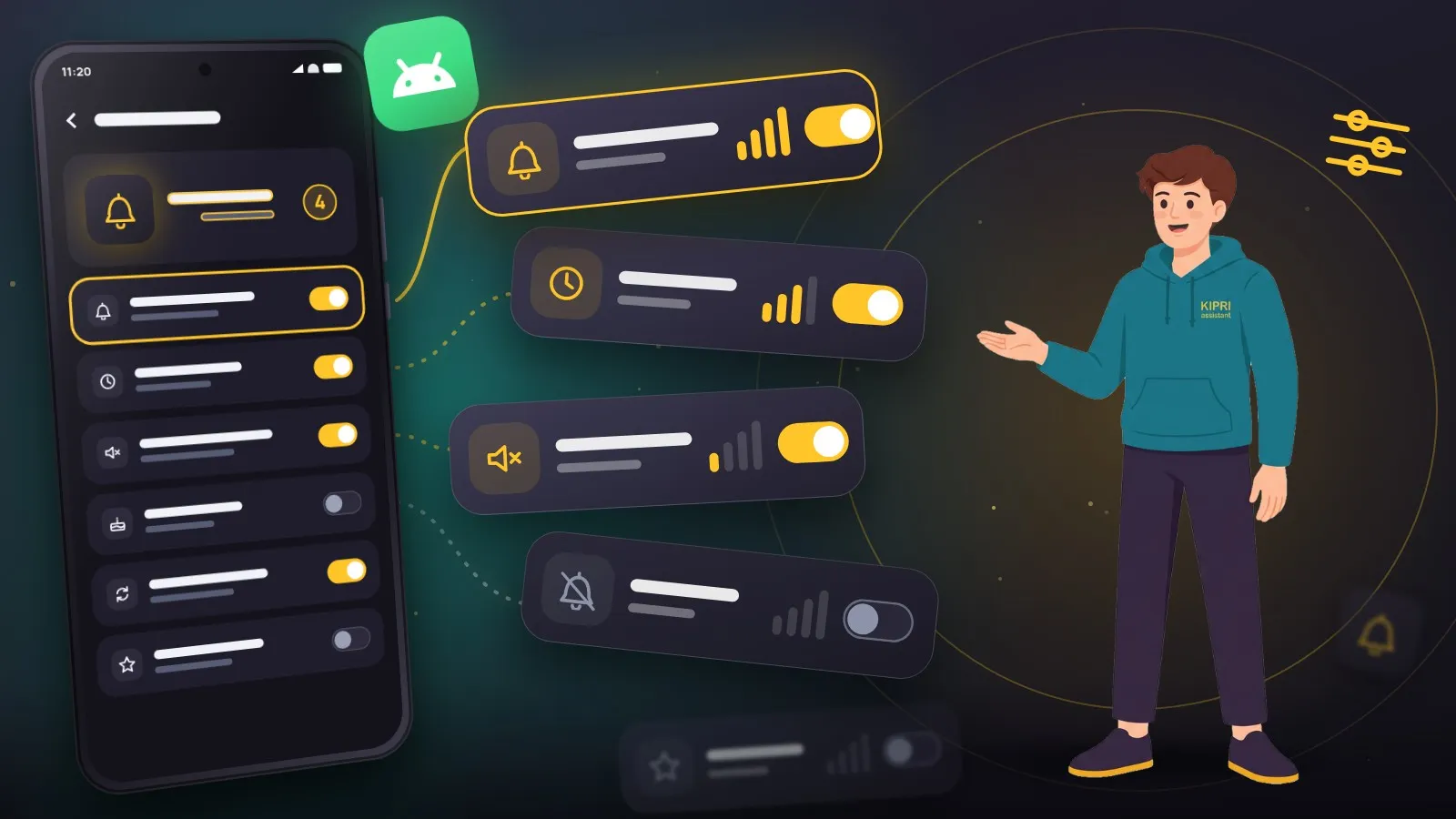
Android has a rule that few people know about, even though it explains half the complaints about notifications: an app sets its own importance exactly once, when it first creates a channel. After that the decision belongs to you.
What a channel is
Since Android 8, every notification has to belong to a channel. A channel is a category with its own settings: sound, vibration, importance, lock screen behaviour, icon badge.
The point is that you can switch off one kind of message from an app rather than the whole app. A messenger separates direct messages from group chats. A shop separates order status from discounts. A reminder app sensibly splits reminders, birthdays, and service messages such as sync reports.
You find them in the phone settings: Apps, the app in question, Notifications. The list inside is the channels.
Importance is set once
When creating a channel the app declares an importance level. After that it cannot raise it. It can lower it, and only while you have not changed the channel yourself. This is deliberate: otherwise every app would promote itself to urgent a month after install.
That leads to a consequence that catches people out. If you once turned a channel’s importance down and later want it back, the app cannot do it for you. Only you can, in the Android settings.
The second consequence is worse. The app cannot delete a channel and start it fresh either: according to the docs, a channel recreated with the same id comes back with all its old settings. Channels start from scratch after a reinstall or after clearing the app’s data. Or edit the channel by hand.
Five levels and what they do
Urgent. A heads-up notification over whatever is on screen, plus sound. Time-bound reminders need exactly this: an ordinary notification is seen when you next pick up the phone, which might be two hours later.
High. Sound, no pop-up.
Medium. Silent, but with an icon in the status bar.
Low. Silent and without a status bar icon: you only see it in the shade. Fine for background status, wrong for anything you have to do.
None. Notifications from this channel are not shown at all.
If reminders arrive silently, start your investigation on this screen. “The notification is in the shade but there was no sound” almost always means a medium-importance channel rather than a broken app. Every other place a notification can get stuck is collected in the settings checker.
What is worth changing by hand
A separate sound per channel. Reminders are worth distinguishing by ear from email: you know whether the phone is worth taking out of your pocket.
Override Do Not Disturb. This permission is granted to the channel, not the app. If you set a morning reminder and keep a night schedule, without this box ticked it arrives silently.
Lock screen visibility. Three options: show everything, hide the content, show nothing. The middle one is useful if the screen is occasionally seen by other people.
Icon badge. A small thing, but unexpectedly useful for birthdays: the number on the icon reminds you without opening the shade at all.
One more permission people forget
Since Android 13 notifications require a separate runtime permission, which the app asks for on launch. Declining that dialog blocks every channel of the app, reminders included. The docs compare it to turning the app’s notifications off in settings.
If the app targets Android 12L or lower, a single “Don’t allow” means the system will not ask again until the app is reinstalled. Either way, the way back is the app’s Notifications entry in settings. Check that first if the app has been silent since the day you installed it.
Why split channels at all
The temptation to ship one channel for everything is strong, and it is wrong. People need to switch off service messages without switching off reminders. With a single channel they have exactly one choice: tolerate all of it, or receive none of it. They will pick the second.
In KIPRI the channels are split by meaning: reminders and tasks at urgent importance, birthdays on their own, the morning digest on its own. You can silence the digest without touching the thing reminders were set up for in the first place. It is dull work to build and it is the only way to avoid ending up on the list of apps someone muted a month in.
Did this help?
Thanks, that is the best answer. If it helped, it may help someone else too.
Thanks for saying so. Tell us what was missing and we will add it: [email protected]
