
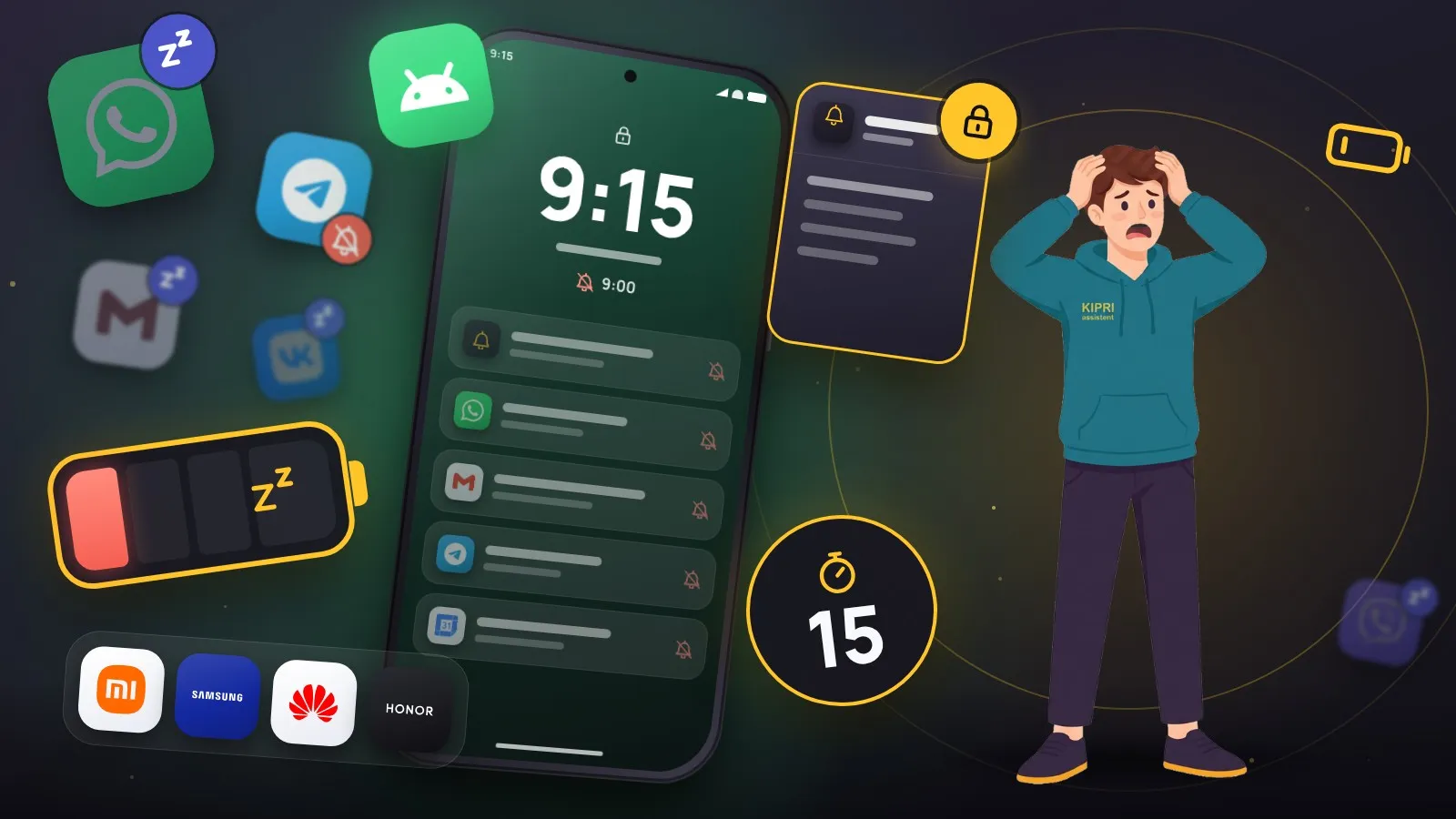
The phone stayed quiet all day. You open the app in the evening and find three reminders that should have arrived at eleven, at two and at four. The app scheduled them properly. The system quietly declined to show them.
This is not rare and it is not a bug. It is the result of two separate mechanisms fighting over the same thing: battery life.
Mechanism one: what Android itself does
Android 6 introduced Doze. The phone lies still, the screen is off, it is not charging, so the system puts it to sleep and batches background work into rare windows. Android 9 added standby buckets: the system watches how often you open an app and sorts apps into groups from active down to restricted. The less you open it, the less often it is allowed to wake up.
This part behaves predictably, and any app with reminders knows the correct way around it: Doze does not cancel an exact alarm. Which permission covers that is a story of its own.
Mechanism two: what the manufacturer bolted on top
Here is where it gets improvised. Chinese and Korean skins add their own “optimisers” on top of stock Android, with rules that are undocumented and change between firmware versions. An app can follow every Google guideline and still get killed.
Xiaomi, Redmi, POCO. The most aggressive case, and it takes three things. Autostart for the app (in the app’s permissions, or inside the Security app). Then battery saver for that app set to “No restrictions” instead of the standard mode. And the third one people rarely know about: in the recent apps list you can pin a card with a lock icon, so clearing the list does not wipe it.
Samsung. Settings, then Battery, then Background usage limits (before One UI 7, Battery sits inside Battery and device care). Two lists live there, sleeping apps and deep sleeping apps. A deep sleeping app does not run in the background at all and shows no notifications. Make sure yours is in neither, and add it to “never sleeping apps” while you are there.
Huawei and Honor. Settings, Battery, App launch. The default is automatic management, which is the problem. Switch the app to manual and turn on all three toggles: auto-launch, secondary launch, run in background.
OPPO, realme, OnePlus, vivo, Tecno and Infinix. Same logic: find the battery setting about background activity or autostart and allow the app to run. The wording differs in every firmware version, but the switch you need always sits somewhere near the battery screen.
Rather than scrolling through all of it, use our notification settings checker: pick your brand and Android version and you get the list of exactly the steps that apply to you, with tick boxes. And if you want steps for one specific model, dontkillmyapp.com has been collecting these settings per manufacturer for years. It exists precisely because the problem is systemic.
If it is specifically Telegram that stays silent while everything else gets through, Telegram has settings of its own on top of the system: muted chats, priority, background connection. Those have a separate breakdown. WhatsApp has traps of its own: archived chats send no notifications at all except mentions and replies, and a second phone, tablet or computer gets notifications independently of the main phone and needs its own settings. That is all in the WhatsApp breakdown.
How to confirm this is what is happening
You do not need to wait a week. Set a reminder fifteen minutes out, lock the phone and put it face down. Do not touch it. At all: unlocking resets the sleep timer and ruins the test.
Arrives on the second, and the skin is innocent, so look at the app’s own permissions. Arrives late or not at all, and you have just reproduced the problem, which means you can now change one setting at a time and rerun the same test.
Fifteen minutes is sometimes not enough: some skins only kill an app after an hour or two of idling. If the quick test passes but real life still runs late, repeat it with a three-hour gap.
What not to do
Do not install “optimisers” and “boosters” from the app store. They do exactly the thing you are complaining about: close background processes. To software like that, a reminder app looks like wasted battery rather than the reason the phone was bought.
Do not switch off battery saving for the whole system either. It costs you real battery life and fixes nothing: permissions are granted per app, not per mode.
Why apps stay silent about it
Technically an app cannot find out that a skin is about to kill it. No “you are being put to sleep now” event arrives. All it can check are the standard things: whether notification and exact alarm permissions are granted, and whether it is excluded from battery optimisation.
So in KIPRI those checks sit on their own screen inside reminder settings, with a status line and a button, rather than buried in a help page. An app that promises to remind you owes you a clear answer about whether it can keep that promise. Everything beyond the standard permissions has to be fixed by hand in the phone settings, and saying so plainly beats pretending the problem does not exist.
Did this help?
Thanks, that is the best answer. If it helped, it may help someone else too.
Thanks for saying so. Tell us what was missing and we will add it: [email protected]
