
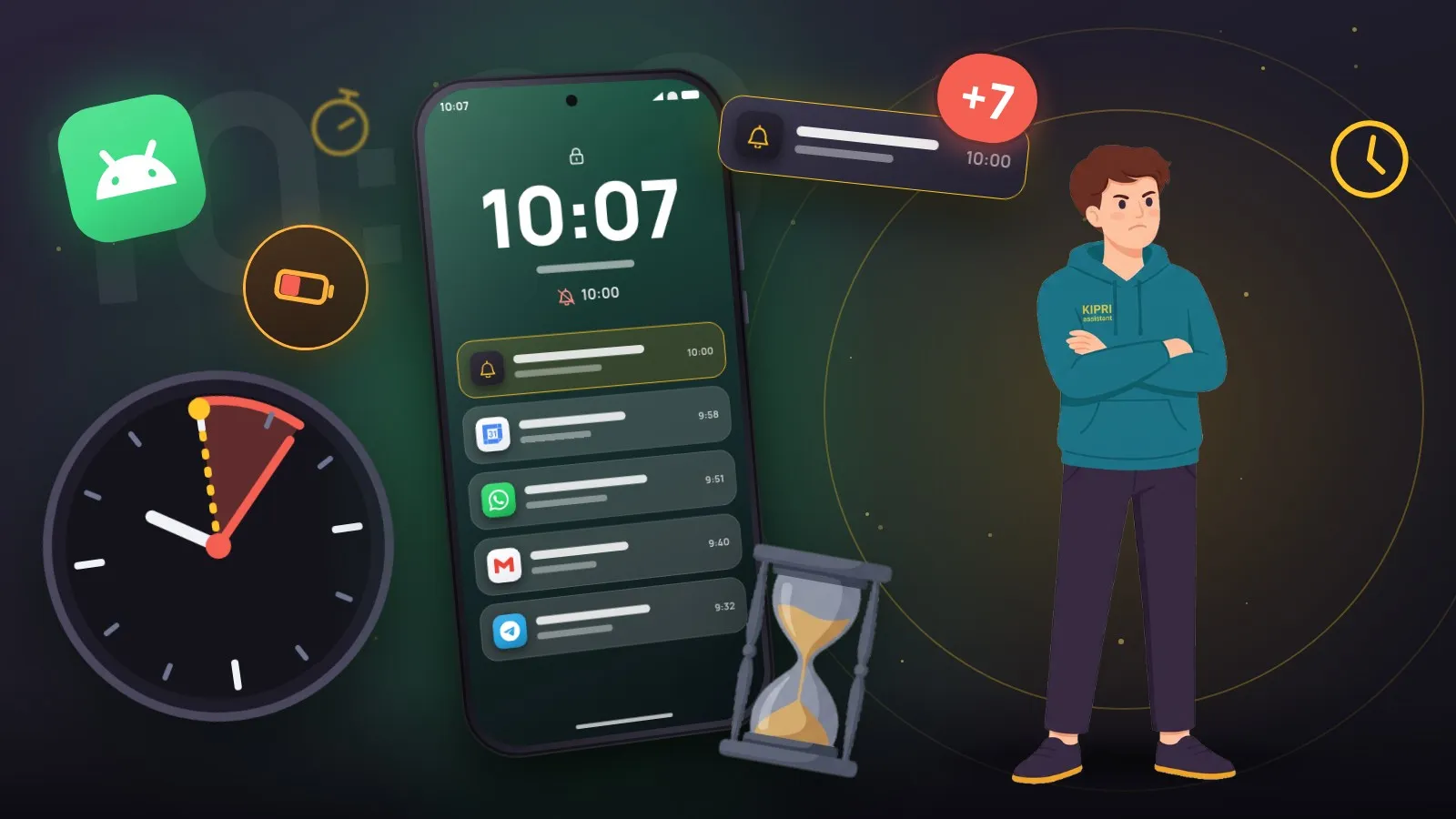
A familiar story: you set a reminder for 10:00 and the phone buzzes at 10:07. It usually is not the app’s fault, and not a “buggy phone” either. It is how Android has treated alarms since version 12.
What changed in Android 12
An app used to be able to ask the system to wake it at an exact moment, and the system obliged. Then the obvious happened: when forty apps do that, the phone wakes forty times an hour and is flat by lunch. So the concept was split in two.
An inexact alarm may be postponed by the system. It batches such wake-ups and fires them together, sometimes a minute later, sometimes fifteen. For “check for updates” that is exactly right.
An exact alarm fires at the second it was given, but requires a separate permission. On Android 12 (API 31) that is SCHEDULE_EXACT_ALARM, which the user can revoke in settings. Android 13 (API 33) added USE_EXACT_ALARM, granted at install time but available only to apps whose core purpose is reminders and alarms.
How to tell the permission is missing
The app knows; the user usually does not. There is one symptom: notifications arrive “roughly then”, and the drift varies from a minute today to ten tomorrow. No error is shown: the system quietly schedules the event as inexact.
That is why KIPRI puts the status on the notification settings screen as its own line: “Exact timing: on”, or an offer to grant the permission. An app that promises to remind you on time is obliged to show whether it can keep that promise.
What else gets in the way
The exact-alarm permission is necessary but not sufficient.
- Battery optimisation. Many vendor skins (Xiaomi, Huawei, and Samsung in aggressive modes especially) put rarely used apps to sleep. Excluding the app from optimisation fixes it.
- Disabled notification channels. Android groups notifications into channels, and a channel can be switched off separately from the app as a whole.
- Do Not Disturb. It silences the sound while the notification still arrives, so it is worth checking before blaming the app.
- The scheduled-notification limit. iOS allows no more than 64 pending at once; apps work around it by scheduling the nearest events and topping the queue back up on launch. KIPRI keeps roughly a month ahead in the system queue and refills it at start-up.
The practical takeaway
If reminders are late, check in this order: the exact-alarm permission → battery optimisation exclusion → notification channels. Nine times out of ten it is the first one, and it is fixed with a single toggle. The whole order, filtered to your phone brand, is in the settings checker.
And the app’s side of the deal is not to stay silent: show the status, explain what the permission buys, offer the button. A silent delay destroys trust in reminders faster than any other bug, because a reminder you cannot trust is worthless.
And if it was not an app reminder but the alarm in Clock that stayed quiet, permissions are almost never the cause. Alarms have their own traps: silent mode with vibration off, Do Not Disturb exceptions, a volume slider of their own. They are covered in the article on why an Android alarm did not go off.
Did this help?
Thanks, that is the best answer. If it helped, it may help someone else too.
Thanks for saying so. Tell us what was missing and we will add it: [email protected]
